
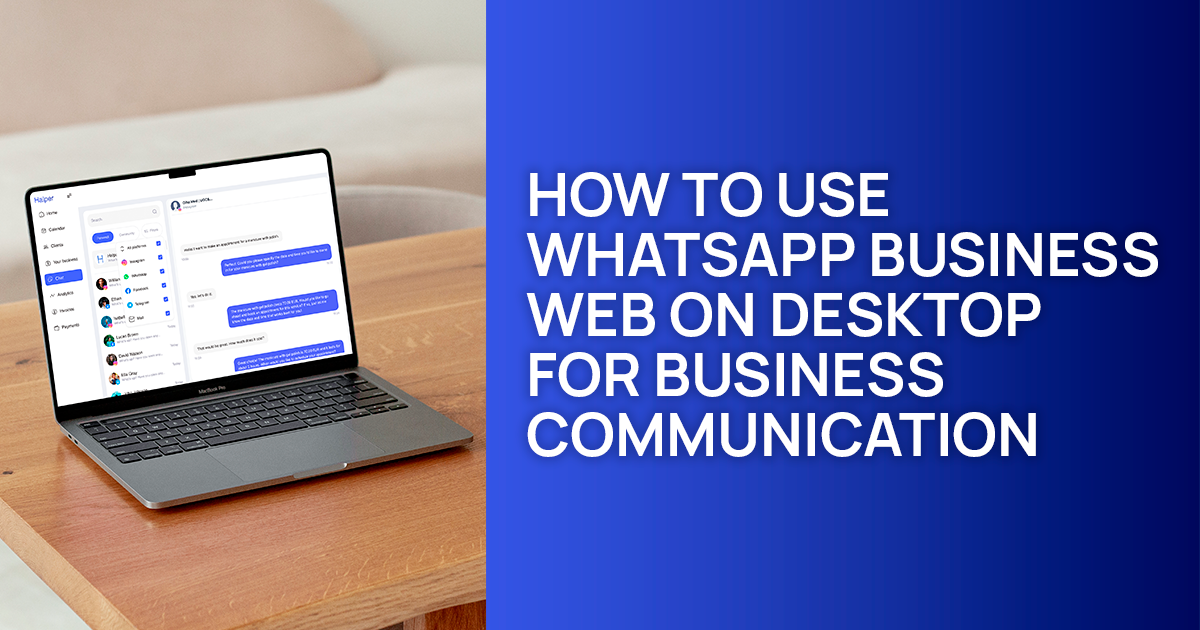
Adapted from Halper Blog and republished on Alpa Marketing with additional insights for independent professionals and small business operators.
For a lot of small businesses, WhatsApp has quietly turned into the main channel for everything: client messages, booking confirmations, follow-ups, support questions, even small sales. And while the mobile app works well enough, handling dozens of messages from a phone eventually becomes tiring. Slow. Easy to lose track of.
That’s why WhatsApp Business Web has become an essential part of the workflow for many owners. Moving conversations to a laptop doesn’t just make typing faster — the whole process feels more manageable. You see more at once, stay organised, respond quicker, and simply get through the day with less friction.
Below is a clear breakdown of how to use WhatsApp Business Web, how to set it up on any device, and why businesses that grow eventually move from “manual messaging” to something a bit more structured.
What Is WhatsApp Business Web?
WhatsApp Business Web is the desktop version of the WhatsApp Business app. It mirrors your phone and syncs conversations across devices, so whatever you handle on your computer appears on your mobile too.
This matters more than it seems. Many businesses still mix personal and professional chats inside a single WhatsApp inbox, which leads to missed replies and lost context. A desktop workspace makes the split clearer and easier to maintain.
There’s also another layer to this:
using a personal WhatsApp account for client communication can cost businesses real opportunities. It becomes harder to track conversations, harder to stay consistent, and harder to scale. A deeper look at that problem is available in the guide on why using personal WhatsApp for business is costing you clients.
Source: business.whatsapp.com
How to Use WhatsApp Web for Business?
WhatsApp Business Web opens in any browser — Chrome, Firefox, Safari, Edge, or Opera. The setup is quick, as long as your phone has the latest version of WhatsApp Business installed.
Steps:
• Update WhatsApp Business on your phone.
• Open any browser on your computer.
• Go to the official WhatsApp Web login page.
• On your phone, open WhatsApp Business → Settings → “WhatsApp Web/Desktop”.
• Scan the QR code shown on your computer.
• Wait for the sync to complete.
Once connected, messages appear on both devices. The workflow becomes smoother almost instantly, especially if your business handles multiple inquiries daily.
How to Use the WhatsApp Desktop App on Windows?
If you prefer an app rather than a browser tab, the native Windows version works well — especially for teams managing a large volume of client messages.
Setup:
• Go to the Microsoft Store on Windows.
• Search for “WhatsApp Desktop”.
• Install the app.
• Open WhatsApp Business on your phone.
• Go to Settings → “WhatsApp Web/Desktop”.
• Scan the QR code that appears in the desktop app.
• Access your conversations directly from the desktop interface.
Source: business.whatsapp.com
How to Use the WhatsApp Desktop App on Mac?
The Mac experience is nearly identical to Windows — simple install, quick sync, and a much more comfortable messaging environment.
Steps:
• Open the App Store on your Mac.
• Search for “WhatsApp Desktop”.
• Download and install.
• Open WhatsApp Business on your phone.
• Go to Settings → “WhatsApp Web/Desktop”.
• Scan the QR code on your Mac screen.
• Start using the desktop app for daily communication.
Benefits of WhatsApp Business Web

WhatsApp Business Web gives service businesses, consultants, and small teams a noticeable lift in efficiency. Not just because typing becomes easier — but because the whole communication flow tightens up.
Here are the standout advantages:
Enhanced efficiency
Handling conversations from a desktop makes it easier to reply, organise threads, and share files.
Message synchronization
All conversations stay aligned across devices.
Faster replies
A keyboard speeds up response time noticeably.
Clear separation of personal and professional messaging
Essential once message volume grows.
Better security
WhatsApp’s end-to-end encryption holds across Web and Desktop.
Convenience for everyday work
File sharing, PDFs, images, documents — everything is faster from a computer.
If you want a broader view of how businesses use WhatsApp strategically, the guide on using WhatsApp Business for customer engagement and sales breaks it down well.
Who WhatsApp Business Web Is Best For
Businesses that rely on fast back-and-forth communication benefit the most. That usually includes:
• service providers
• beauty and wellness professionals
• local businesses
• consultants
• small teams with shared inboxes
Anyone who needs speed, clarity, and consistent follow-ups will feel the difference almost immediately.
WhatsApp Business at Scale and Automation
WhatsApp Business Web is strong for daily operations, but when message volume grows, manual replies become harder to maintain. Gaps appear. Leads cool off. Conversations get scattered.
That’s usually the point when businesses start looking for automation — not in the chatbot sense, but in the “stop losing conversations” sense.
Halper connects directly with WhatsApp and acts as an AI Business Manager. It manages follow-ups, organises messages, handles scheduling, sends reminders, keeps client information structured, and prevents the usual chaos of a busy inbox.
For companies that depend on WhatsApp as a core communication channel, this shift often determines whether operations feel controlled or constantly behind.
How Halper Fits Into Real Business Workflows
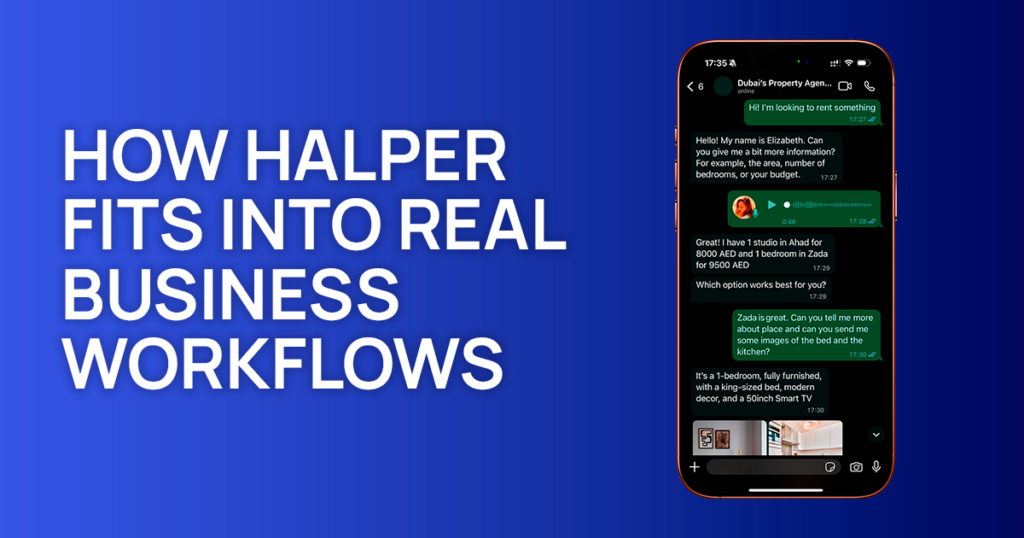
As message volume grows, the communication layer becomes the operational core of the business. WhatsApp stops being “just a chat app” and turns into a system of inquiries, bookings, confirmations, and follow-ups.
Halper fits into this reality by adapting to how each business actually works. Instead of rigid templates, it supports the natural flow of conversations across industries — beauty, fitness, coaching, real estate, wellness, home services, and more.
With automation and CRM-style structure, Halper turns WhatsApp into a reliable operational pipeline rather than a busy messaging feed. More details are available in the overview of Halper’s core features: https://halper.ai/features
FAQ
Can WhatsApp Business Web work without a phone?
No — your phone must stay connected for the desktop version to function.
Is WhatsApp Business Web secure for client communication?
Yes. The same end-to-end encryption applies on desktop.
Can multiple team members use WhatsApp Business Web?
WhatsApp supports limited multi-device access, but larger teams typically rely on automation and management tools for scaling.
Follow Halper
Instagram | TikTok | Facebook | LinkedIn | YouTube | X / Twitter
Source: Adapted from Halper Blog. Edited and republished by Alpa Marketing.
